
Want a simpler start?
TikTok Shop setup can feel difficult if seller verification, product data, and shipping are new to you.
How TikTok Shop differs from a normal social profile
- A profile shares content, while a shop connects content with products and orders.
- A product catalog gives TikTok structured information about price, inventory, and variants.
- Product tagging can connect a video or LIVE session to a specific product.
- Seller Center provides tools for listings, orders, analytics, promotions, and support.
Who can benefit from ecommerce on TikTok?
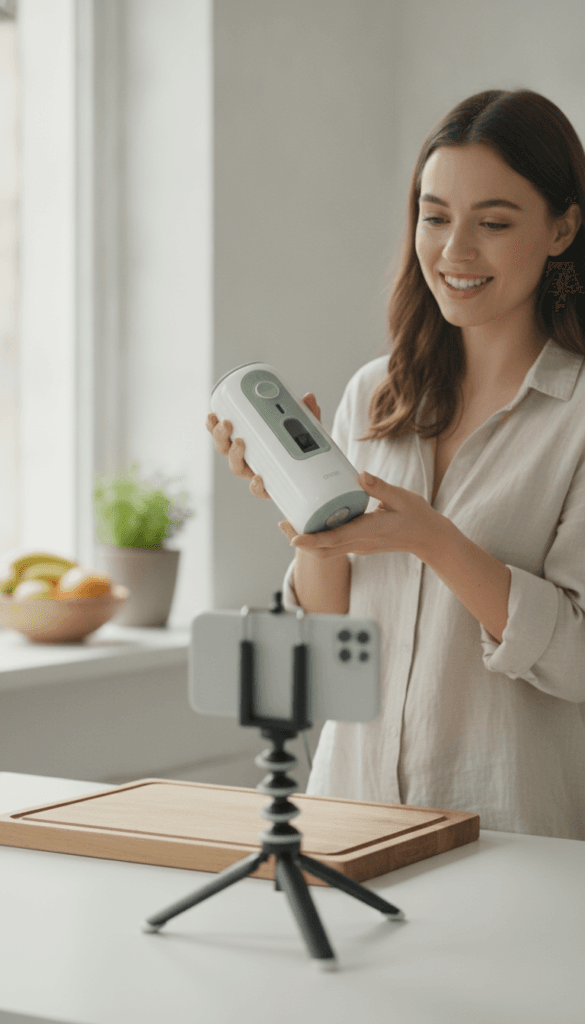
Direct-to-consumer brands, makers, beauty sellers, apparel companies, home-goods businesses, and creators can use TikTok Shop. The best fit is usually a product that is easy to show, explain, compare, or demonstrate in a short video.
Check TikTok Shop Availability and Seller Eligibility First
Before you open TikTok Shop, confirm that the service is available in your target market. Availability, seller categories, shipping options, fees, and creator features can change. A U.S. seller should check the current TikTok Shop Seller Center requirements before preparing a catalog.
United States and United Kingdom considerations
Searchers using the phrase opening a tiktok shop uk need to verify the latest UK rules separately. A feature available in the United States may have different onboarding, tax, delivery, or product requirements in the UK. Do not assume that an account created in one country can sell in another.
Typical eligibility checks
- Supported country and seller location.
- Valid identity or business verification.
- Accurate tax information.
- A supported bank account for payouts.
- Products that meet TikTok Shop policy requirements.
- Reliable shipping, returns, and customer support processes.

Documents and information to prepare
Required documents can vary by seller type and region. You’ll need the information requested in the current Seller Center flow, which may include a legal name, business name, address, tax details, identity documents, bank account details, and warehouse or return information.
Important: Platform rules change. Treat TikTok Seller Center and official TikTok Business resources as the final authority for eligibility, fees, and policies.
How to Start a TikTok Shop Account in Seller Center
Many beginners ask, “how do you make a shop on TikTok?” The practical answer is to begin inside the official seller registration flow, select the correct seller type, complete verification, and connect the relevant TikTok account.
- Open the official TikTok Shop Seller Center for your market.
- Choose the appropriate business or individual seller option.
- Use a suitable TikTok account or create TikTok access for the business team.
- Enter the legal business name and account name carefully.
- Submit the required documents and tax information.
- Link a verified bank account for eligible payouts.
- Review warehouse, shipping, return, and customer support details.
- Wait for review and resolve any requested corrections.
Connect a TikTok Business account
A TikTok business account can support brand publishing, advertising, permissions, and reporting. The exact connection process can vary by market and account setup. Use controlled staff access rather than sharing passwords with outside partners.

Common account setup errors
- Using a personal name where a registered business name is required.
- Submitting documents with different addresses or expired dates.
- Linking the wrong bank account.
- Creating duplicate accounts during an approval delay.
- Giving an agency more access than it needs.
Need help starting a TikTok Shop?
An experienced specialist can help organize your account details, documents, catalog plan, and launch steps.
Build a Product Catalog That Converts
Once you set TikTok Shop access, create a clean product catalog. Product data affects discovery, buyer confidence, fulfillment, and customer support. Start with a focused group of products rather than uploading every item at once.
Product title and description framework
- Put the main product name and use case near the beginning of the title.
- Include meaningful attributes such as size, material, color, or quantity.
- Explain who the product is for and what problem it solves.
- State what is included, how to use it, and how to care for it.
- Avoid unsupported medical, financial, or performance claims.
Images, video, variants, and pricing
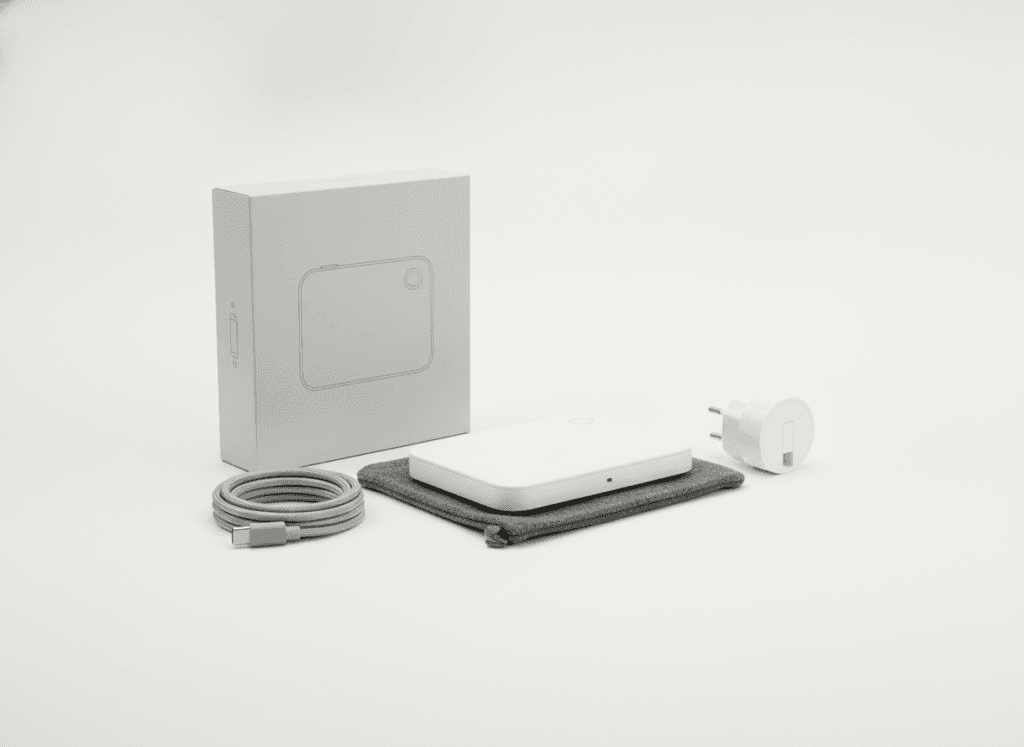
Use realistic product images with accurate color, scale, packaging, and condition. Add product videos that show the item in use. Check variants, stock numbers, prices, shipping weight, and dimensions before publishing.

Catalog quality checklist
- Correct product category and attributes.
- Accurate inventory and variant names.
- Clear images and useful product videos.
- Competitive but sustainable pricing.
- Complete shipping and return information.
- Policy-safe claims and language.
Configure Pricing, Inventory, Shipping, and Returns
A shop can attract sales and still fail if operations are weak. Before you start selling, decide who will pack products, how quickly orders will ship, and how buyers will receive support.
Pricing and seller fees
Review current seller fees, commissions, payment costs, advertising charges, creator affiliate rates, refunds, and promotional discounts in your market. Calculate contribution margin before offering coupons or free shipping.
Inventory management
Keep inventory counts accurate. If you sell on several channels, use a dependable inventory process to reduce overselling. Set a low-stock review point for popular products and pause items that cannot ship reliably.
Shipping and returns
- Use realistic handling times.
- Choose packaging that protects the product.
- Confirm carrier coverage and tracking.
- Write clear return instructions.
- Respond to delivery questions quickly.
- Keep proof of shipment and customer communications.


Use Product Tags, Shoppable Videos, LIVE Shopping, and Affiliates
Learning how to use TikTok to sell products means matching each shopping feature to the buyer’s intent. A product showcase can support profile browsing. Shoppable videos can capture discovery. Live shopping can answer questions in real time.
In-feed shopping videos
Show the product quickly, demonstrate the problem it solves, explain one or two reasons to care, and give viewers a clear next step. Product tagging should lead to the correct listing, not a generic page.

TikTok LIVE shopping
Prepare a run sheet, product order, demonstrations, price explanations, moderation plan, and stock check. Live shopping works best when the host can answer buyer questions without making unsupported claims.

TikTok Shop affiliates and creators
Creators can introduce products to an audience that trusts their style. Set clear commission terms, provide accurate product information, and review content for policy compliance. Choose creators for audience fit, not follower count alone.
How to Use TikTok to Promote Your Business
People searching how to start a business on TikTok often need a repeatable content system. The goal is not to make every post a direct advertisement. Mix education, demonstration, proof, behind-the-scenes content, customer questions, and timely offers.
A practical weekly content mix
Teach
Answer a customer question or explain a product use case.
- Simple tips
- Common mistakes
- Care instructions
Demonstrate
Show the product working in a real setting.
- Before and after
- Unboxing
- Feature tests
Convert
Give qualified viewers a clear reason to visit the listing.
- Limited promotion
- Bundle explanation
- Product comparison
How to do business on TikTok without losing trust
- Disclose sponsored creator relationships where required.
- Use real demonstrations and realistic expectations.
- Answer comments with useful information.
- Keep product promises consistent across videos and listings.
- Use paid ads to amplify content that already earns attention.

Improve TikTok Shop SEO and Ecommerce Conversion Rate
To understand how to make a TikTok Shop discoverable, treat every listing as searchable product content. Use natural keywords in the title, description, spoken words, on-screen text, captions, and relevant hashtags.
Listing optimization priorities
- Choose a precise product name.
- Describe the buyer, use case, and key benefit.
- Add accurate attributes and variants.
- Use clear images and demonstrations.
- Answer objections about size, materials, care, and delivery.
- Review clicks, product views, add-to-cart activity, and sales.
How to make a shop on TikTok easier to trust
- Use a consistent account name and product naming system.
- Show packaging, delivery expectations, and real use.
- Collect and respond to buyer feedback.
- Remove confusing duplicate listings.
- Test one change at a time.

TikTok Shop advertising
Paid ads can support discovery and retargeting, but advertising does not fix weak product pages. Confirm creative approval, audience settings, budget controls, and current ad policies before spending.
Track Sales, Customer Support, and Account Health
A successful shop needs more than traffic. Review product views, clicks, add-to-cart actions, conversion rate, cancellations, returns, delivery performance, and customer questions.
Useful operating questions
- Which products attract views but fail to convert?
- Which videos produce qualified product traffic?
- Are buyers confused about price, size, or delivery?
- Are stockouts causing missed sales?
- Do returns reveal a listing or quality problem?
- Is customer support meeting the promised response time?
Customer support workflow
Create saved answers for common questions but personalize replies when a buyer has a specific issue. Escalate damaged orders, missing packages, refunds, and policy concerns promptly. Good support protects buyer trust and helps identify content gaps.

Policy compliance review
Check prohibited products, restricted claims, intellectual property, promotions, creator disclosures, shipping promises, and customer data handling. Policy compliance is an ongoing process rather than a one-time checkbox.
Fix Common TikTok Shop Setup and Launch Problems
Opening a TikTok Shop can involve approval delays, rejected products, inventory errors, shipping problems, or account restrictions. Do not respond by creating repeated accounts or changing important details without understanding the notice.
Verification and approval delays
Compare the submitted legal name, address, tax details, identity information, and bank account. Read the exact review message. Submit clear, current documents through the official process and keep copies of what was provided.
Rejected products or restricted listings
- Review the product category and prohibited-item rules.
- Remove unsupported claims from titles, images, and videos.
- Check trademarks, copyrighted material, and creator permissions.
- Confirm packaging, ingredients, safety, and required disclosures.
Shipping, stock, and order problems
Pause campaigns when inventory is wrong. Correct handling times before accepting more orders. Use tracking consistently and communicate delays. If the operation cannot meet the buyer promise, reduce the catalog until it can.

Facing a launch problem?
Get practical help reviewing your setup, listings, shipping workflow, and launch readiness before more time is lost.
Is Opening a TikTok Shop Worth It?
The answer depends on product margin, audience fit, content capacity, fulfillment quality, and patience. A shop can create a direct path from discovery to purchase, but it also adds operational work and platform dependence.
Potential benefits
- In-app product discovery and shopping.
- More ways to test product demand.
- Creator affiliate opportunities.
- Short-form content that can be reused in campaigns.
- Fast feedback from comments and buyer behavior.
Potential challenges
- Seller fees and promotional costs.
- Approval and policy requirements.
- Content production workload.
- Shipping, returns, and customer support.
- Competition and changing platform rules.
Use a simple break-even check
Estimate selling price minus product cost, packaging, shipping subsidy, seller fees, creator commission, returns, and advertising. Compare the remaining contribution with the time required for content and support.

Save Time by Outsourcing TikTok Shop Setup or Starting an Agency
Some owners understand how to make a TikTok Shop but do not have time to complete every task. Others want a second review so the account, catalog, content, and operations are configured properly.
When professional assistance may help
- You are unfamiliar with Seller Center and product requirements.
- Your documents or listings have been rejected.
- You have many products or complex variants.
- You need a catalog, content, and fulfillment workflow at once.
- You want to avoid wasting time on preventable setup errors.
What a setup specialist may handle
A specialist may organize onboarding information, structure a product catalog, prepare listing content, review product images, connect business access, configure shipping settings, build a launch checklist, and explain ongoing management. Scope, access, timing, and fees should be agreed in writing.

How to start a TikTok Shop agency
People who want to start a TikTok Shop agency should first learn Seller Center workflows, product policy, catalog management, content strategy, analytics, creator partnerships, and fulfillment coordination. Build a defined service package, document processes, protect client data, and avoid promising guaranteed sales.
Busy or experienced seller?
Save time by getting professional assistance with the setup, catalog, account checks, and launch preparation.
FAQs About Opening a TikTok Shop
How do you make a shop on TikTok?
Check regional availability, register through the official Seller Center, submit the required information, verify your seller identity or business, connect a suitable TikTok account, add products, and configure shipping and returns.
How to make a TikTok Shop if I already have a business?
Prepare your legal business information, tax details, bank account, product catalog, fulfillment process, and customer support plan. Then follow the current Seller Center onboarding flow for your market.
Can I open my own TikTok Shop without a business?
Eligibility depends on your country, seller type, product category, and current TikTok Shop rules. Review the official requirements before choosing an individual or business registration path.
How do I use TikTok to sell products?
Create useful videos, attach accurate product tags, maintain a complete product listing, respond to buyers, fulfill orders on time, and use analytics to improve content and conversion.
Is opening a TikTok Shop worth it for a small business?
It may be worthwhile when your products fit short-form demonstrations, your margins cover platform and fulfillment costs, and you can maintain regular content and customer support.
How do I start TikTok for business?
Define your audience, create or convert the appropriate account, establish a content plan, prepare product and brand assets, review advertising and commerce rules, and measure qualified actions rather than views alone.
Final launch checklist
- Confirm availability and current eligibility rules.
- Prepare required documents and a supported bank account.
- Complete Seller Center registration accurately.
- Connect the correct TikTok business account.
- Upload compliant products, images, descriptions, and videos.
- Test pricing, inventory, shipping, returns, and support.
- Publish useful content before increasing ad spend.
- Review analytics and policy notices regularly.
Starting your own TikTok Shop can create a strong social commerce channel, but it requires careful setup and ongoing work. Whether you do the process yourself or use an experienced specialist, launch with accurate information, realistic promises, reliable fulfillment, and a clear plan to help buyers.